Poll Modbus devices from your Mac.
Native app. No Parallels.
Modbus TCP and RTU, master and slave, read and write, with built-in device simulators, in one native app. No VM, no Python scripts.
Also for Windows 10 and 11: Download for Windows, free with limits, Pro $19.99.
Demo video
Watch the demo
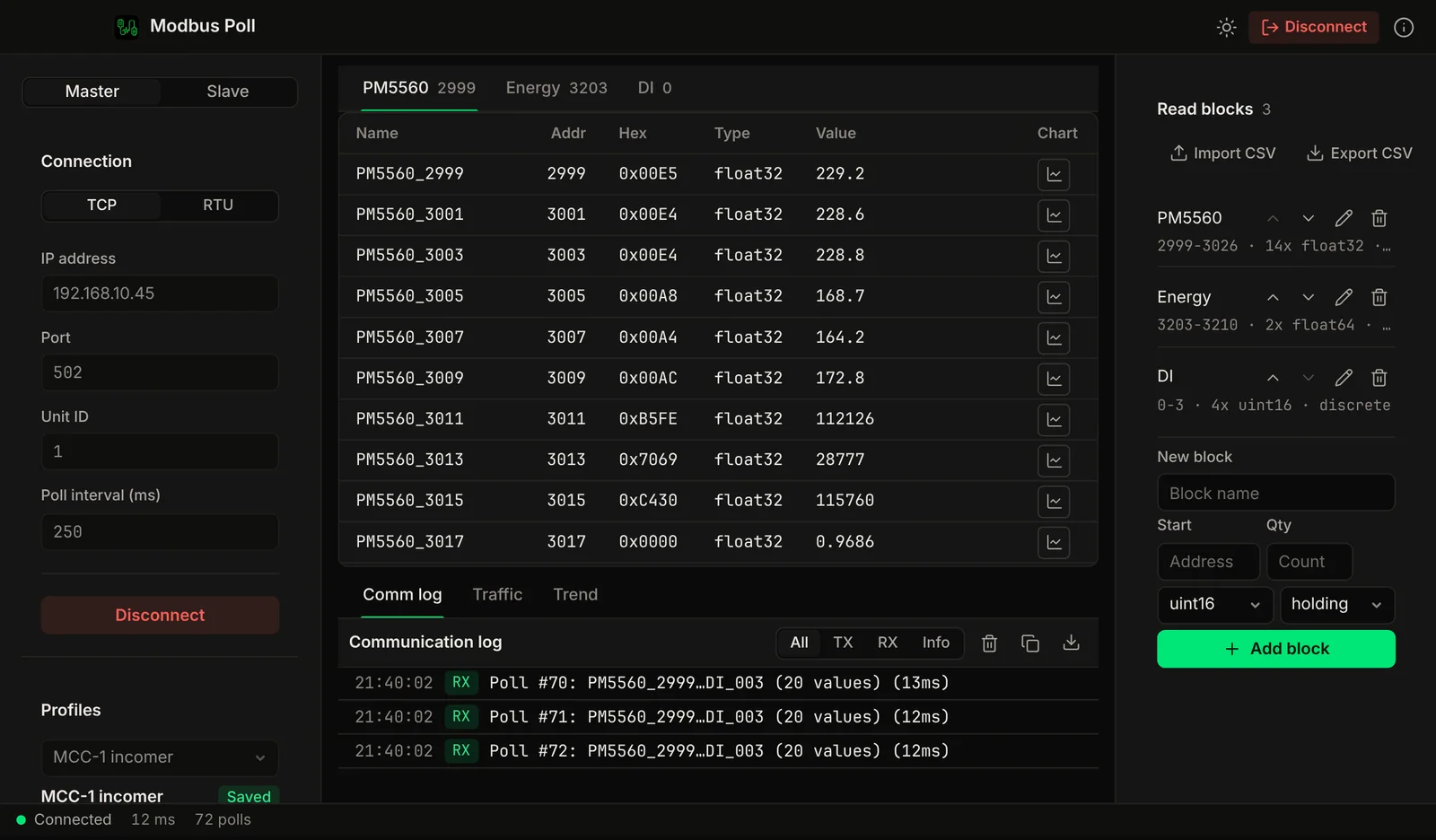
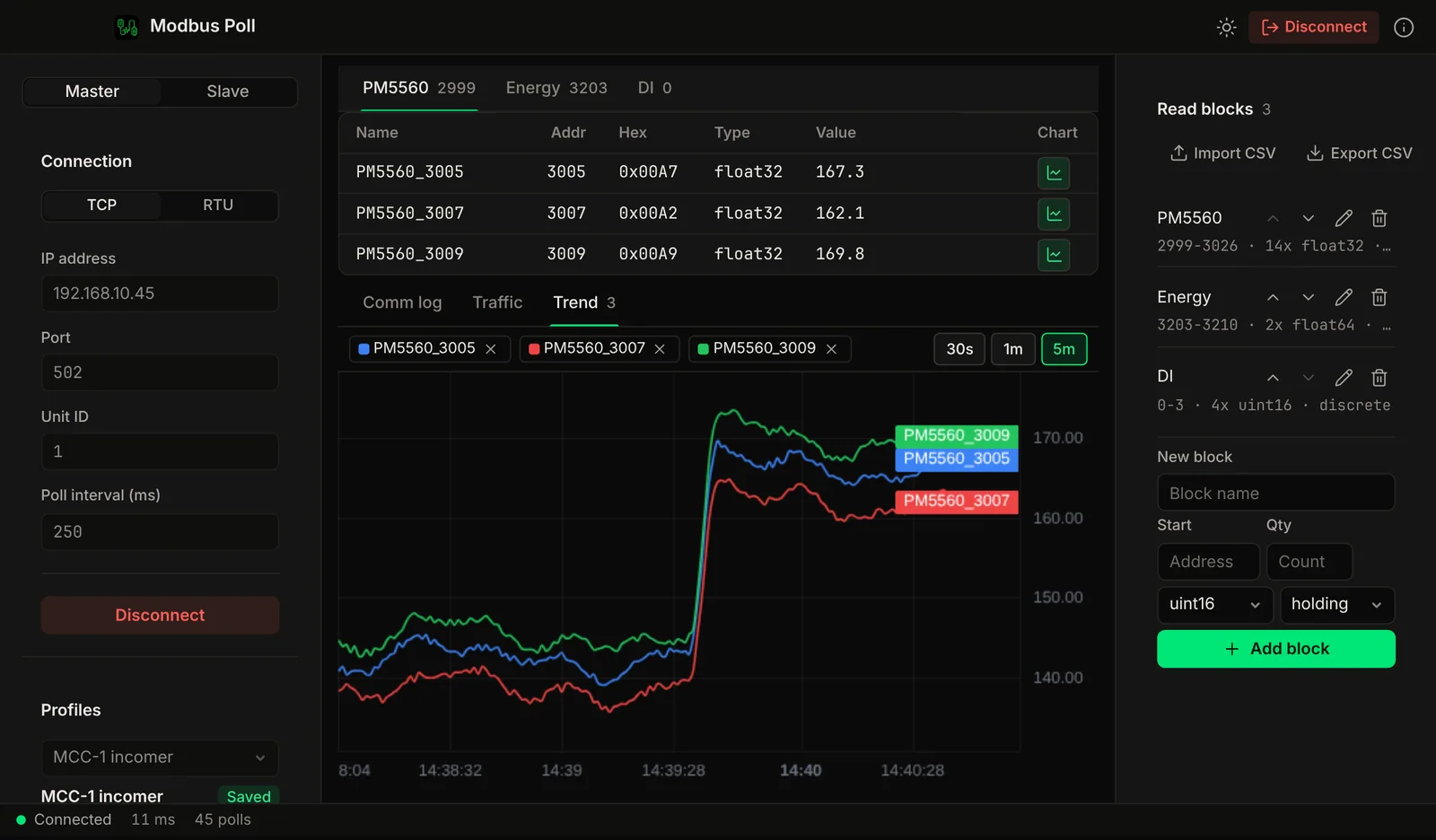
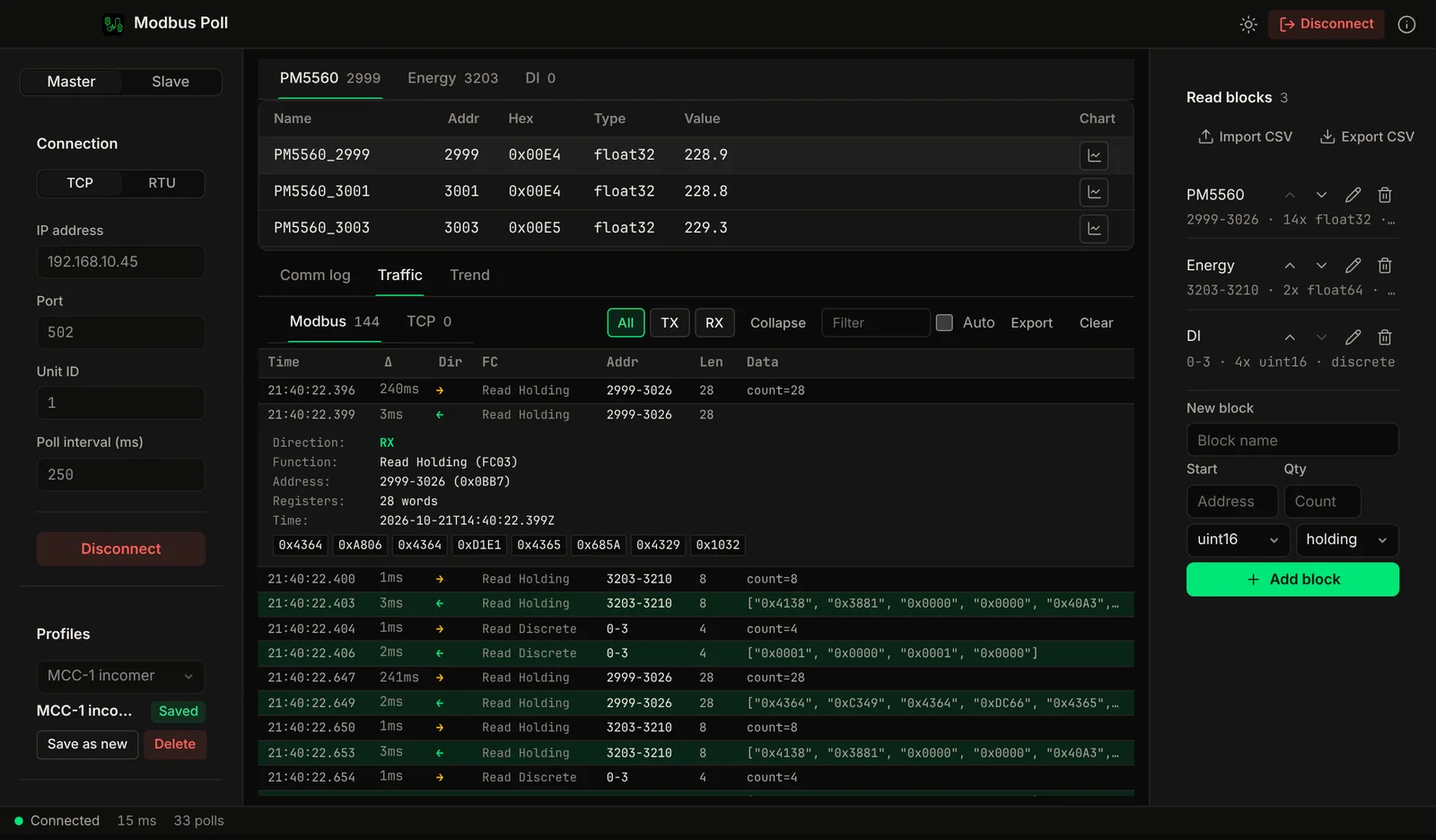
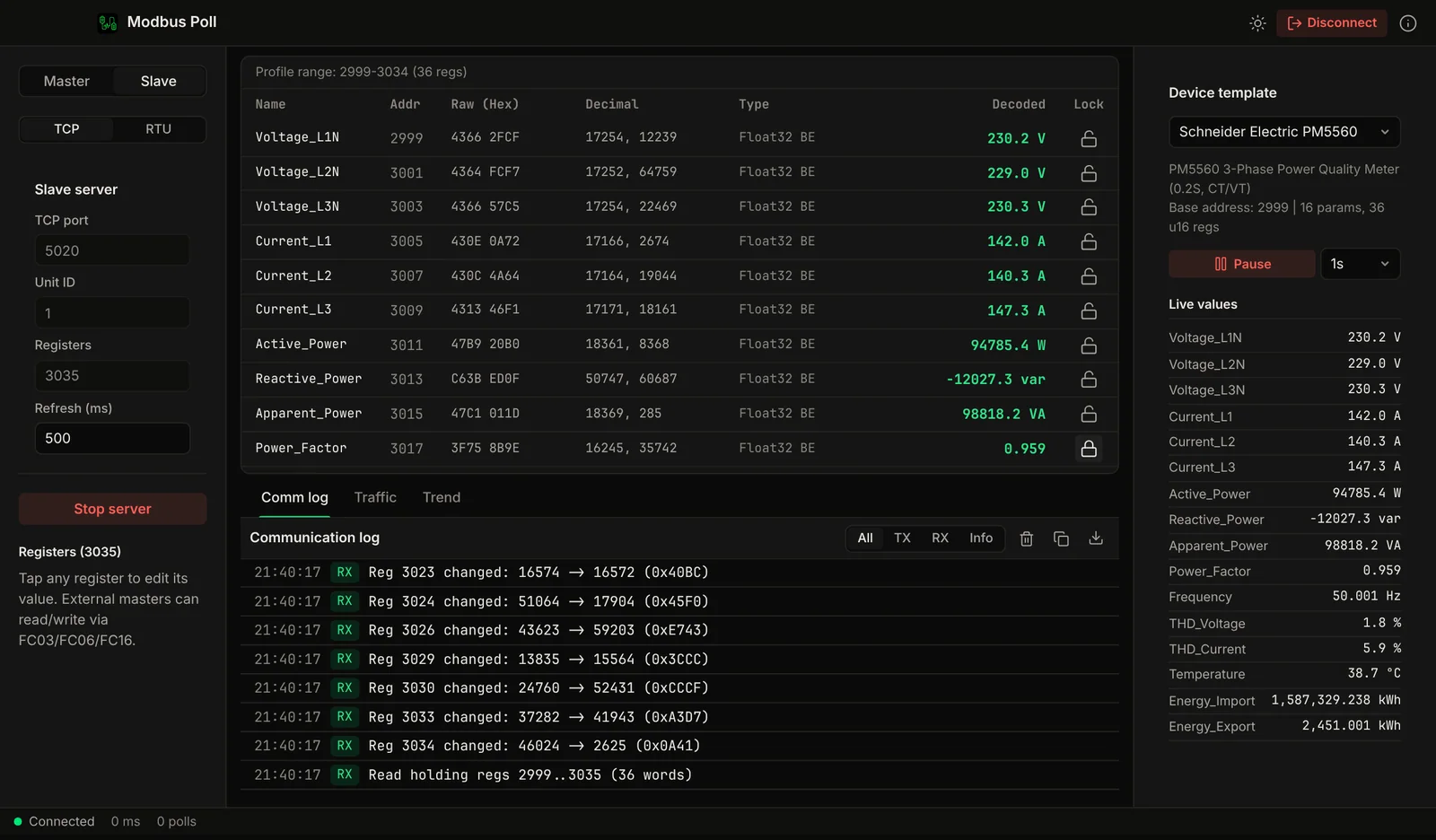
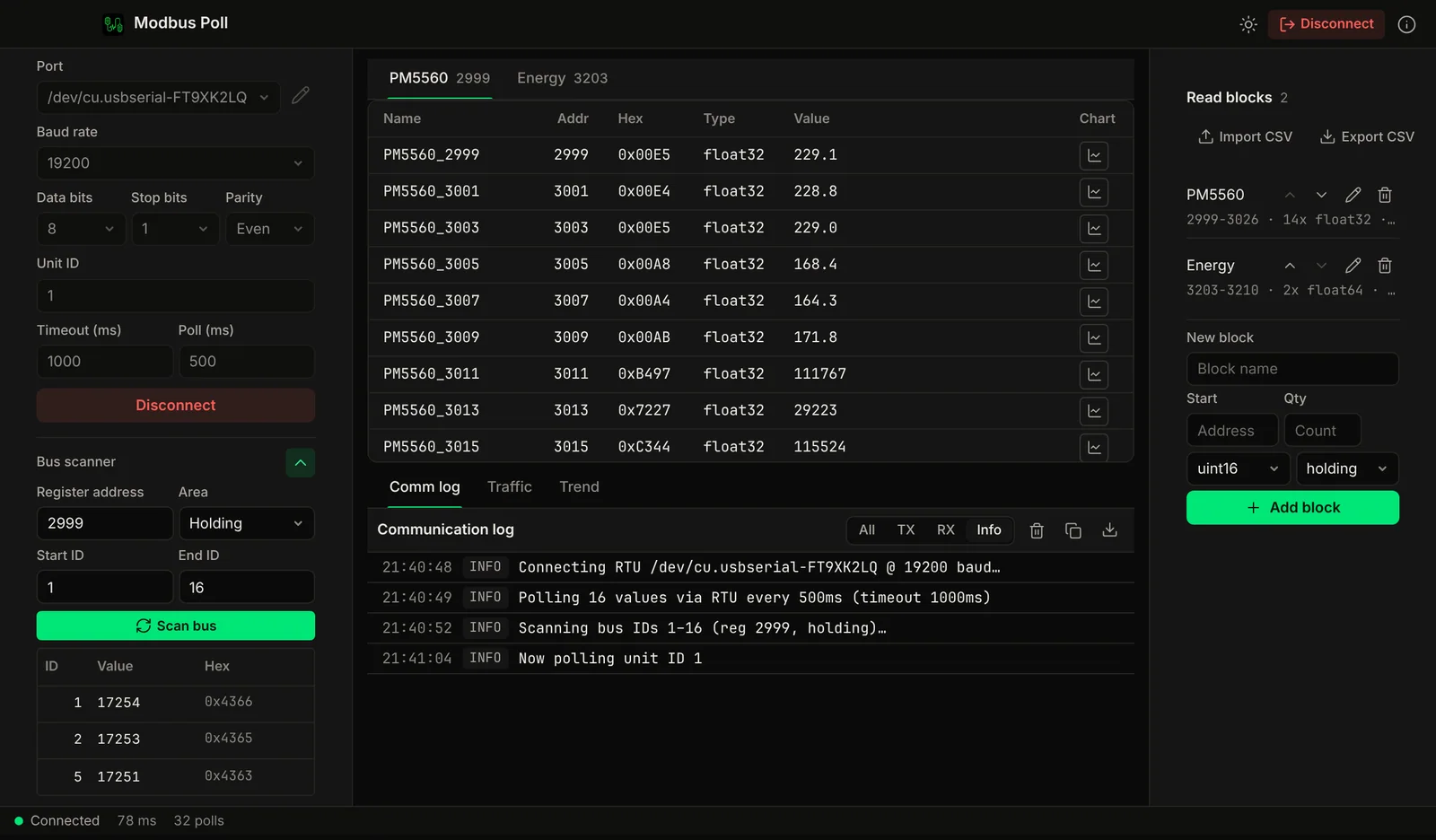
A tour of Modbus Poll for Mac: live register polling, a built-in slave simulator, decoded traffic, trends and an RS-485 bus scan.
Features
Poll, simulate, capture. One app.
TCP and RTU, master and slave, read and write, traffic capture, trend charts and device templates in one app.
Modbus TCP
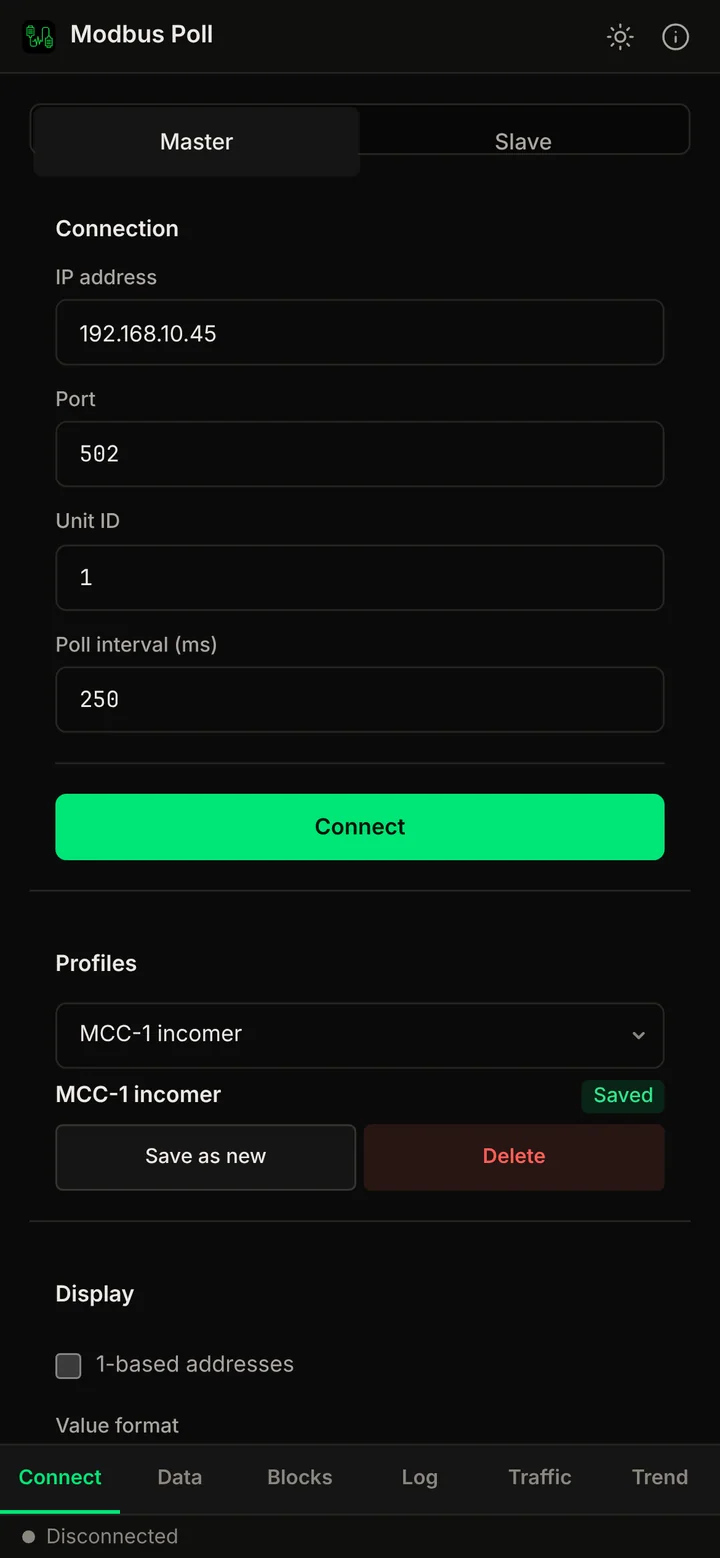
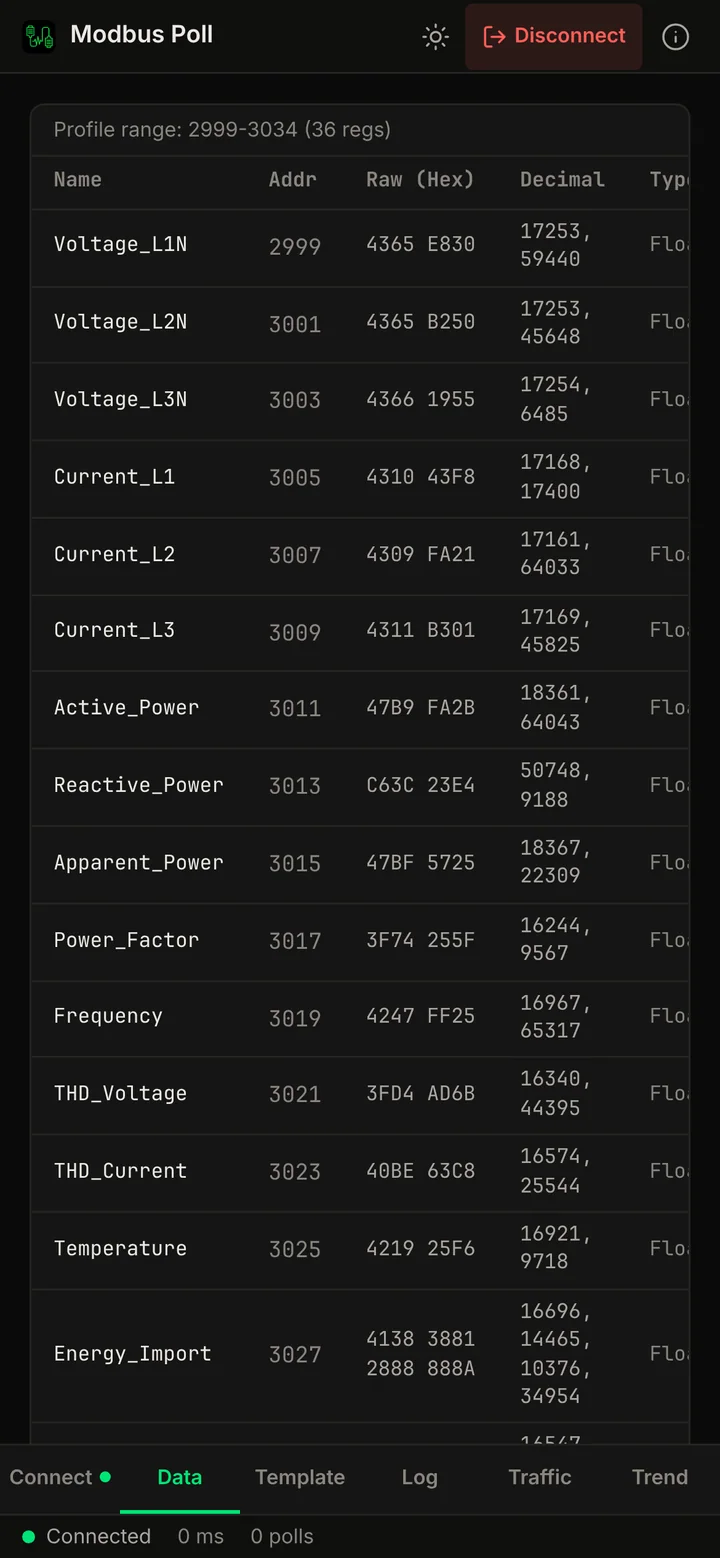
Connect to any Modbus TCP device over Ethernet or Wi-Fi. Configure IP, port, and unit ID. Poll at a custom interval.
Modbus RTU (Serial)
Communicate over USB-to-RS485 and other USB serial adapters that appear as a serial port on your Mac. Configurable baud rate, data bits, parity and stop bits.
Read + Write
All function codes: FC01–FC06, FC15, FC16. Read and write coils and holding registers, read discrete inputs and input registers. 16-bit signed and unsigned, 32-bit signed and 32/64-bit float values, with big, little and swapped word order.
Master (Poll) Mode
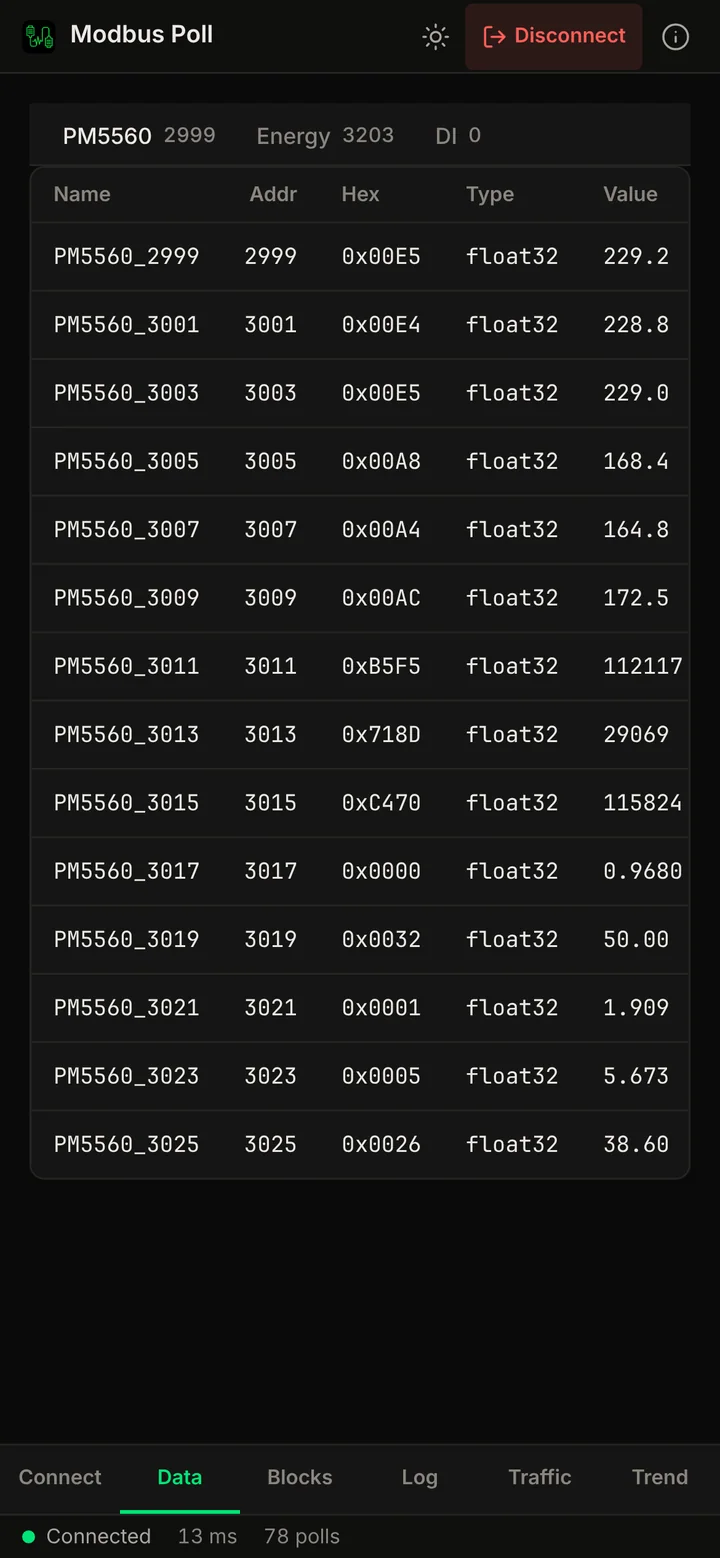
Read blocks of coils, discrete inputs, holding registers or input registers from a device and watch live values in a table with real-time updates.
Slave (Server) Simulation
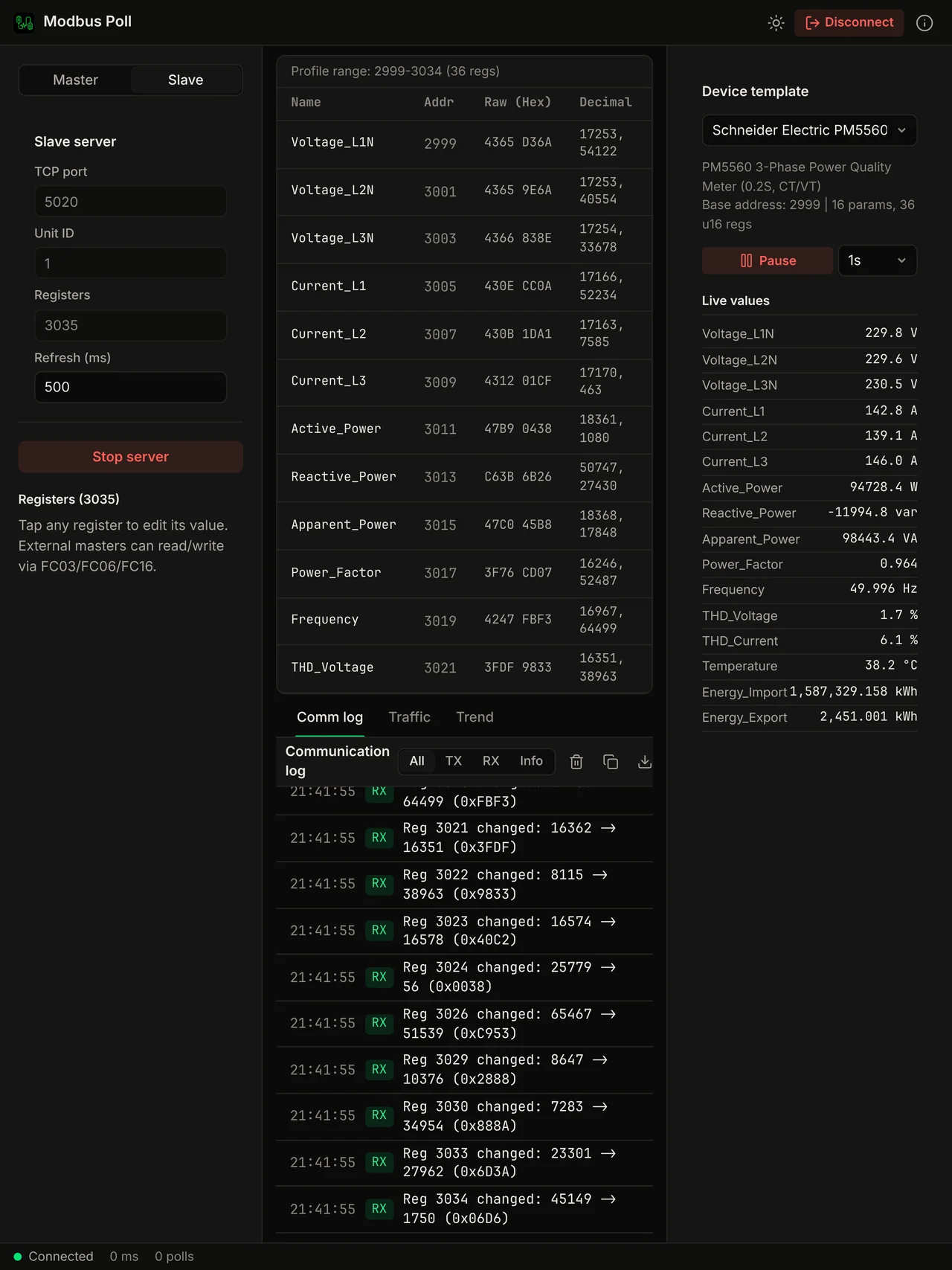
Simulate a Modbus slave device to test your master without physical hardware. Load device templates with realistic register maps and auto-simulated live data.
Traffic Capture & Export
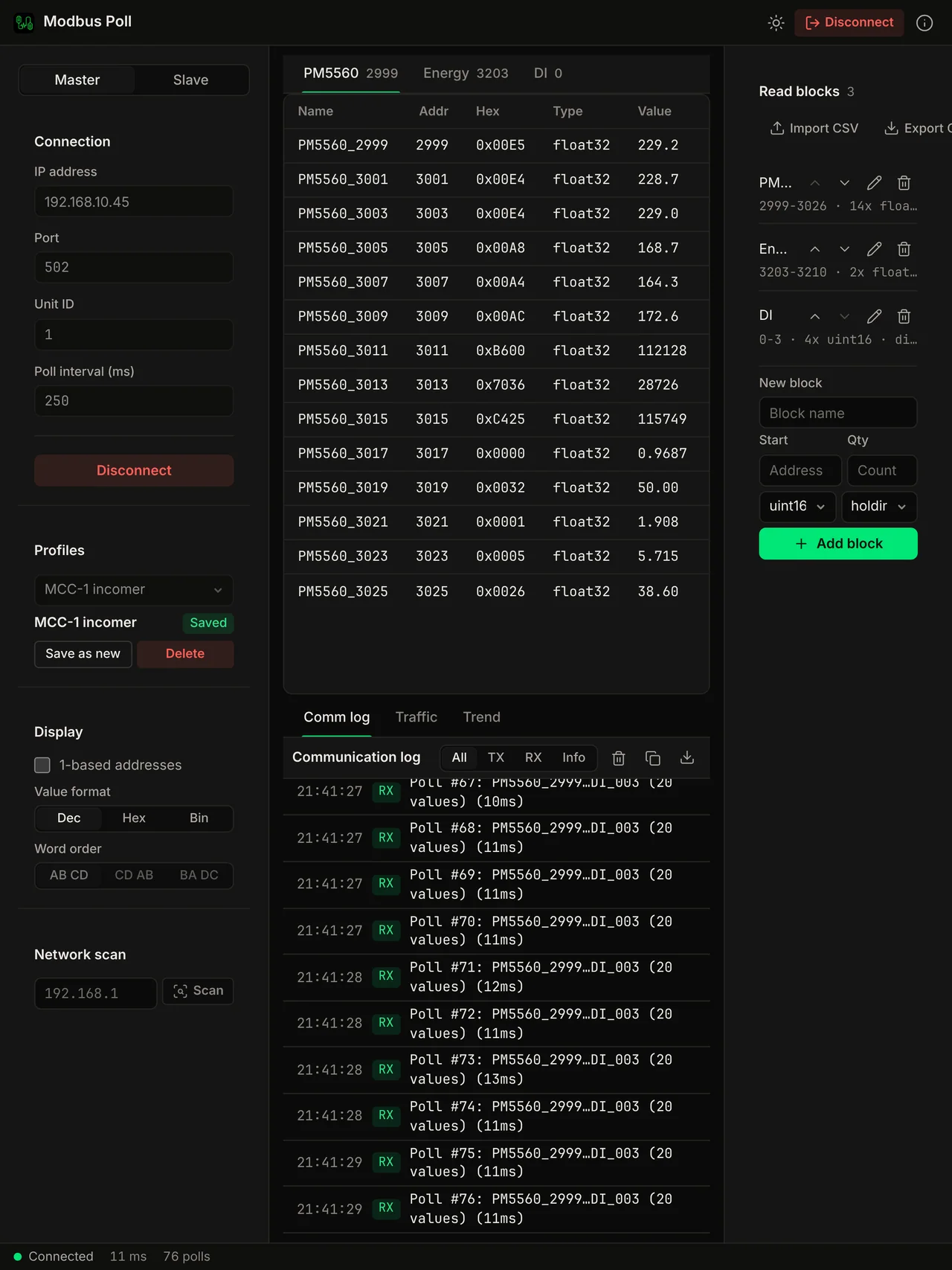
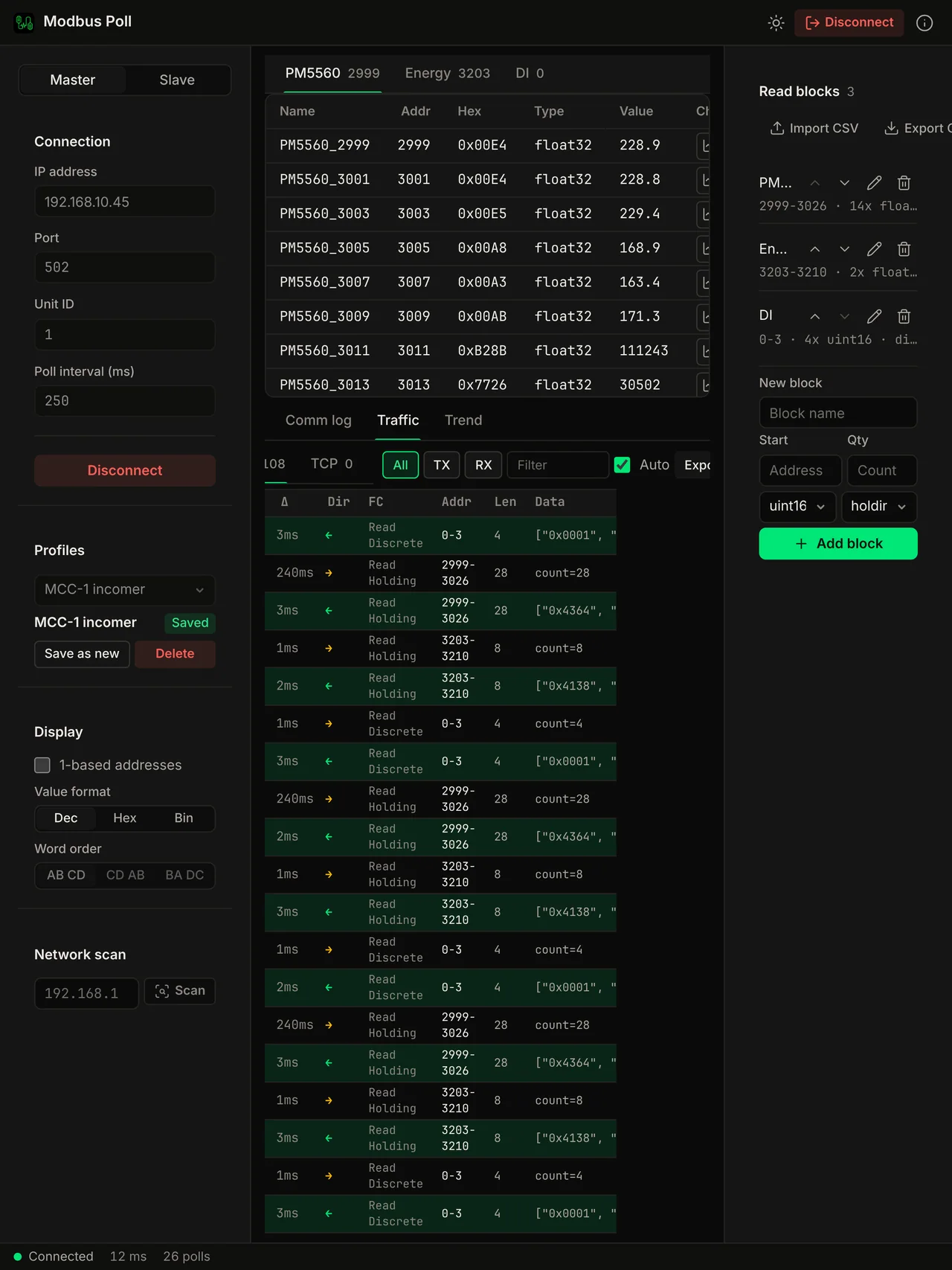
Record every Modbus frame, request and response, with timestamps, delta times, and full hex decode. Filter by direction (TX/RX), expand any frame for detail, export to CSV for your network team.
Live Trend Charts
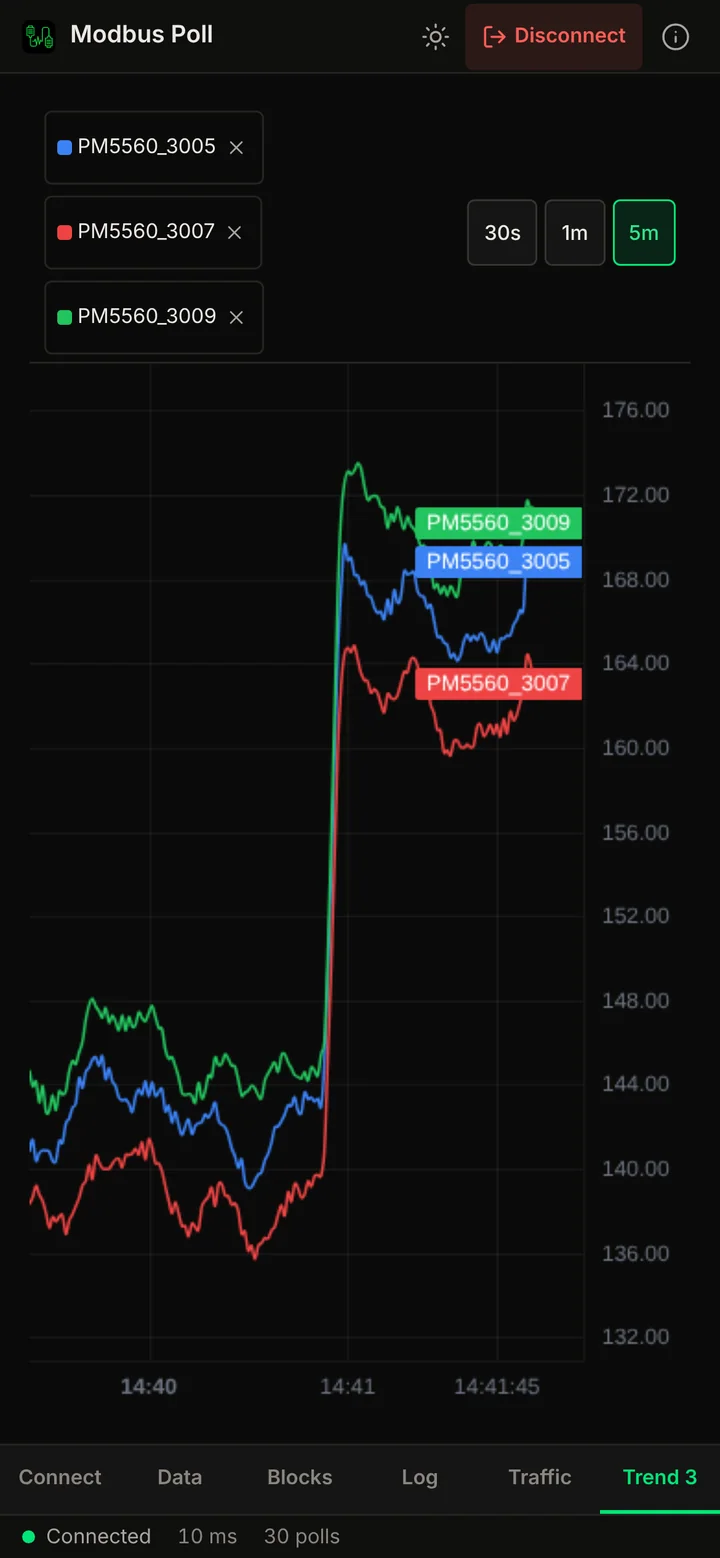
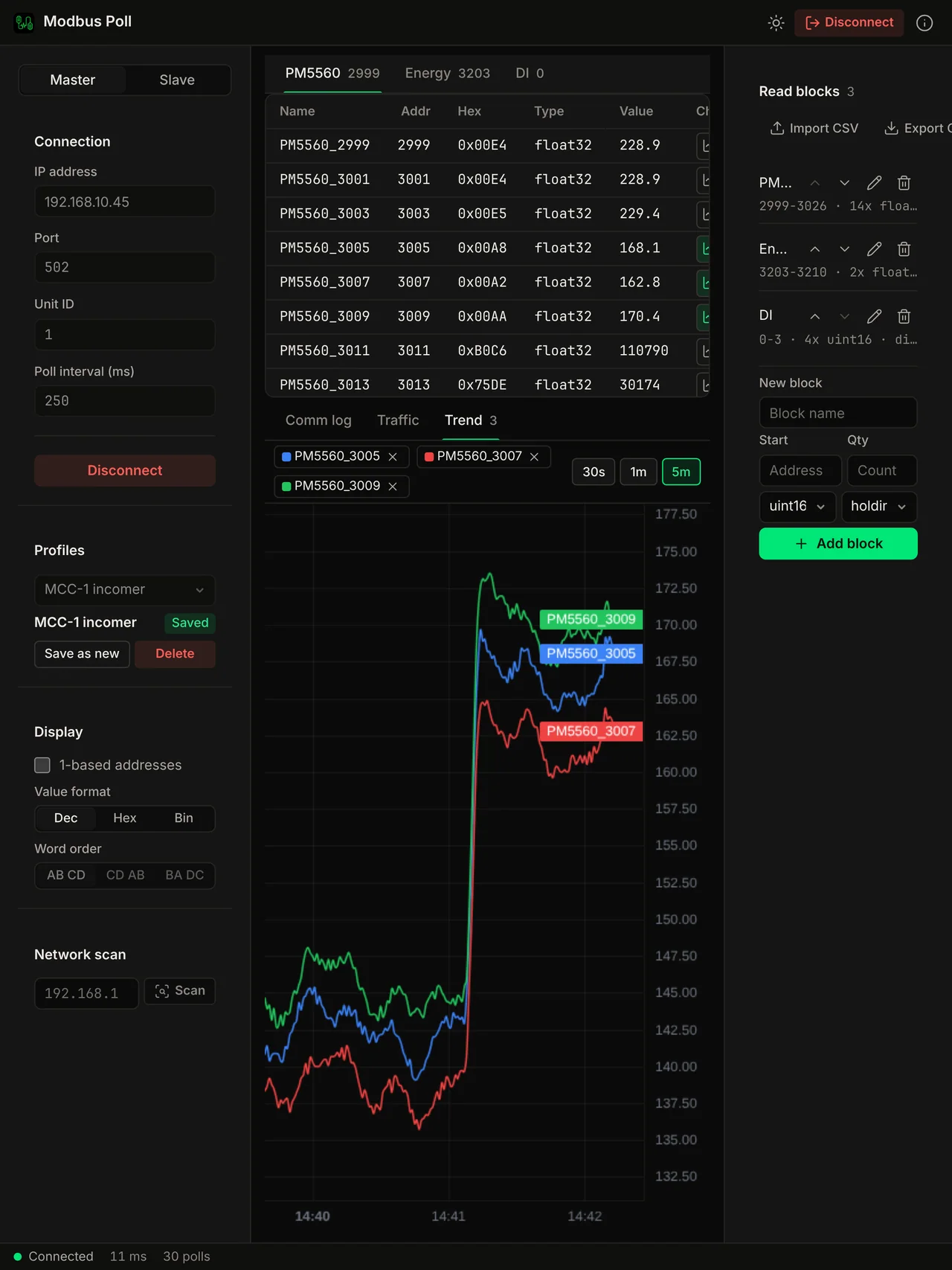
Pin any register to a live-updating chart. Monitor voltage drift, power spikes, or temperature changes over time, multiple series on one chart with pan and zoom. No external tools needed.
Communication Logging
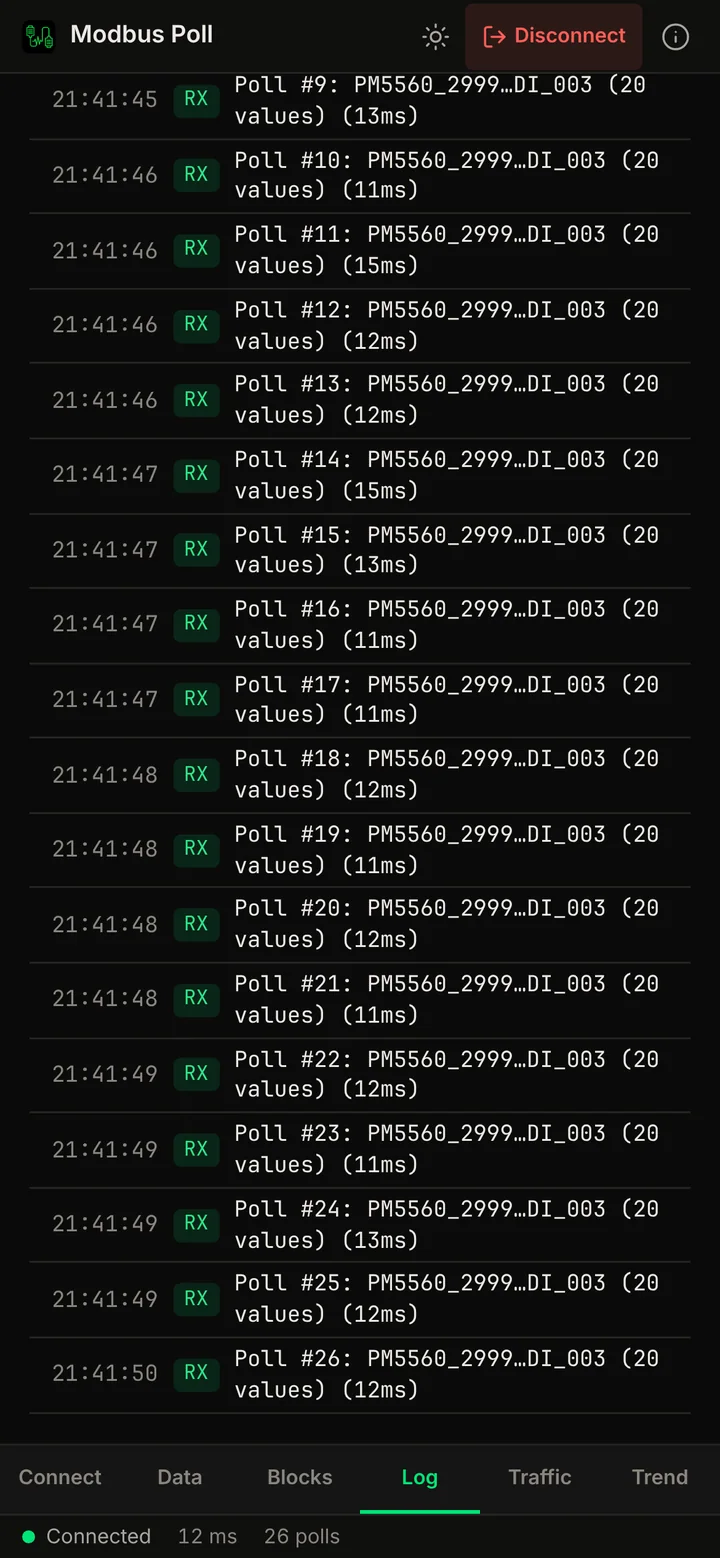
Full request/response logging with millisecond timestamps. Debug timing issues, malformed frames, and timeout problems. Export logs for analysis.
Device Template Library
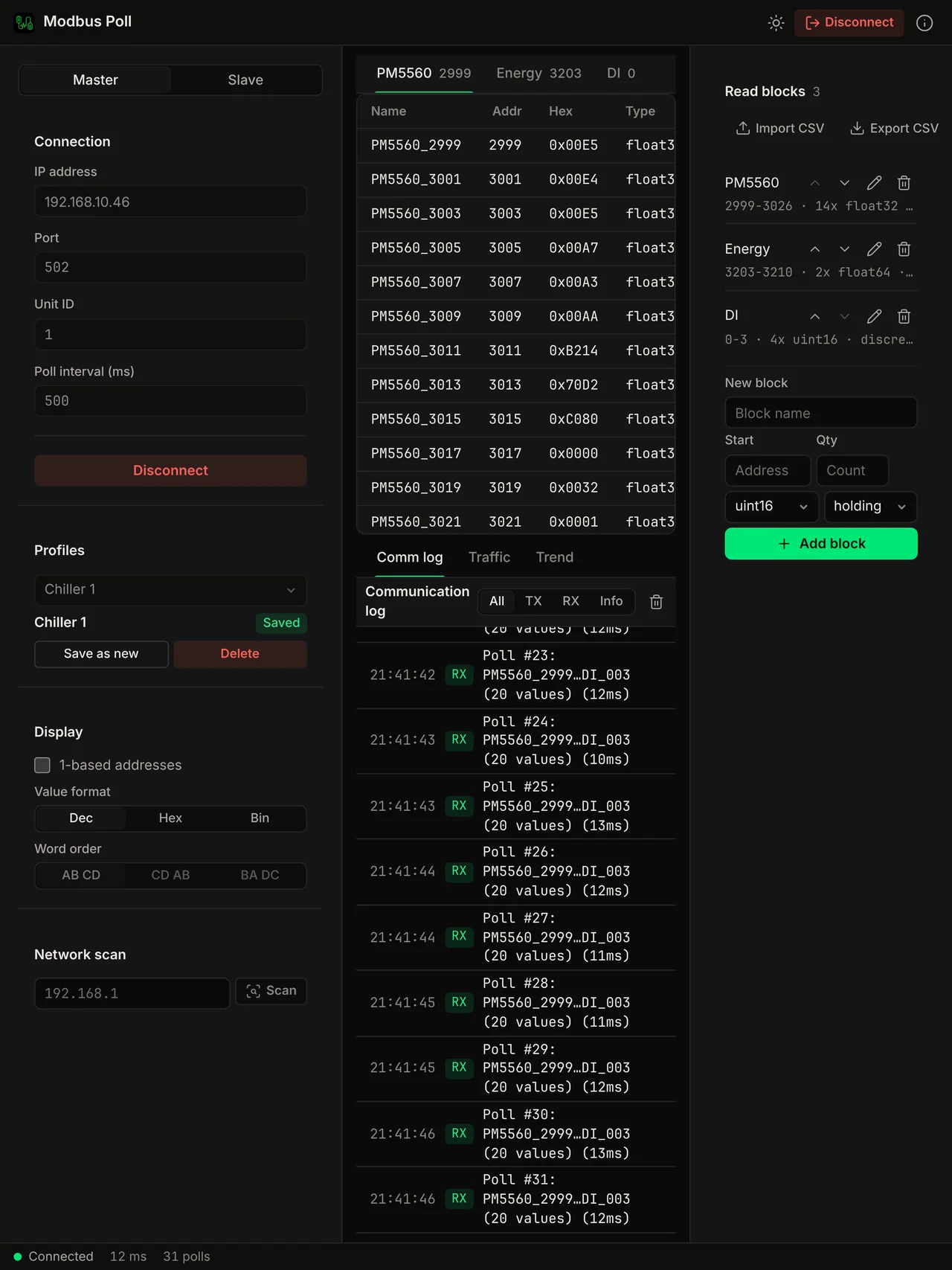
Load pre-built profiles for real devices, Schneider PM5560, SMA inverters, ABB analyzers. Registers auto-populate with correct addresses, units, and realistic simulated values. Create your own templates for any device.
Windows
Also on Windows 10 and 11. Download it free.
The same open source app, built for Windows 10 and 11 (x64 and ARM64). It is free to use with limits. Pro is $19.99 one-time, paid by card, and unlocks the rest.
Windows ARM64
Windows on Arm devices, for example Snapdragon laptops.
Free
Read values over Modbus TCP, with these limits:
- Up to 20 polled values
- 1 saved connection profile
- 1 open connection
Pro for Windows, $19.99 one-time
Everything in Free with the limits removed, plus:
- Write registers and coils
- Poll more than 20 values
- Slave simulator with device templates
- Modbus RTU over serial, with bus scan and auto-detect
- Live trends
- Network scan
- Several connections in tabs
- CSV value logging
- Multiple saved profiles
- Traffic log export
- CSV import and export of blocks
Card payment through Polar. Your key appears in the Voltrus Console after checkout. The app activates it online once.
One licence, Mac and Windows. Bought the Mac licence on voltrus.id? Use the same key on Windows. One device at a time; move it any time from your console. Purchases made in the Mac App Store have no key we can check, so they are separate. A Windows Pro key does not unlock the Mac app. One-time licenses can be refunded within 14 days, see the refund policy. More detail on the Modbus Poll for Windows page.
Screenshots
See it in action
On iPhone and iPad
On the App Store. The same app, laid out for a phone and a tablet.
Compare
How it compares to what you're using now
The two usual workarounds on a Mac, side by side.
Use Cases
Built for field engineers who carry MacBooks.
Power meter commissioning, solar plants, SCADA integration, bus debugging. Modbus is everywhere, and now you can poll and simulate it natively on your Mac.
Power Meter Commissioning
Connect to Schneider PM5560 and similar power meters. Verify phase voltage, current, active and reactive power, power factor, and energy totals before energizing the switchgear.
Solar Plant Commissioning
Poll SMA STP 60-US-10 inverters over Modbus TCP. Read daily yield, DC string voltage and current, grid frequency, and status flags from your MacBook on the site network.
Factory Acceptance Testing
Run slave mode with a device template and let your SCADA or HMI poll a simulated PM5560 or inverter. Run the FAT without physical hardware, in front of the customer.
RS-485 Bus & Network Debugging
Device not responding? Capture every frame with millisecond timestamps, filter TX/RX, expand for hex detail, and export to CSV. Hand the file to the network team.
SCADA / HMI Integration
Verify register addresses and function codes before PLC wiring. Catch the holding-register 40001 vs protocol-address 0 off-by-one, and the FC03 vs FC04 mix-up, before they break commissioning day.
Embedded & Firmware Development
Building a Modbus slave device? Point the master at it, exercise every function code, and watch exception responses in the traffic log. Validate your register map against a real poller.
Voltrus Connect
Your saved sites on every device and with your team.
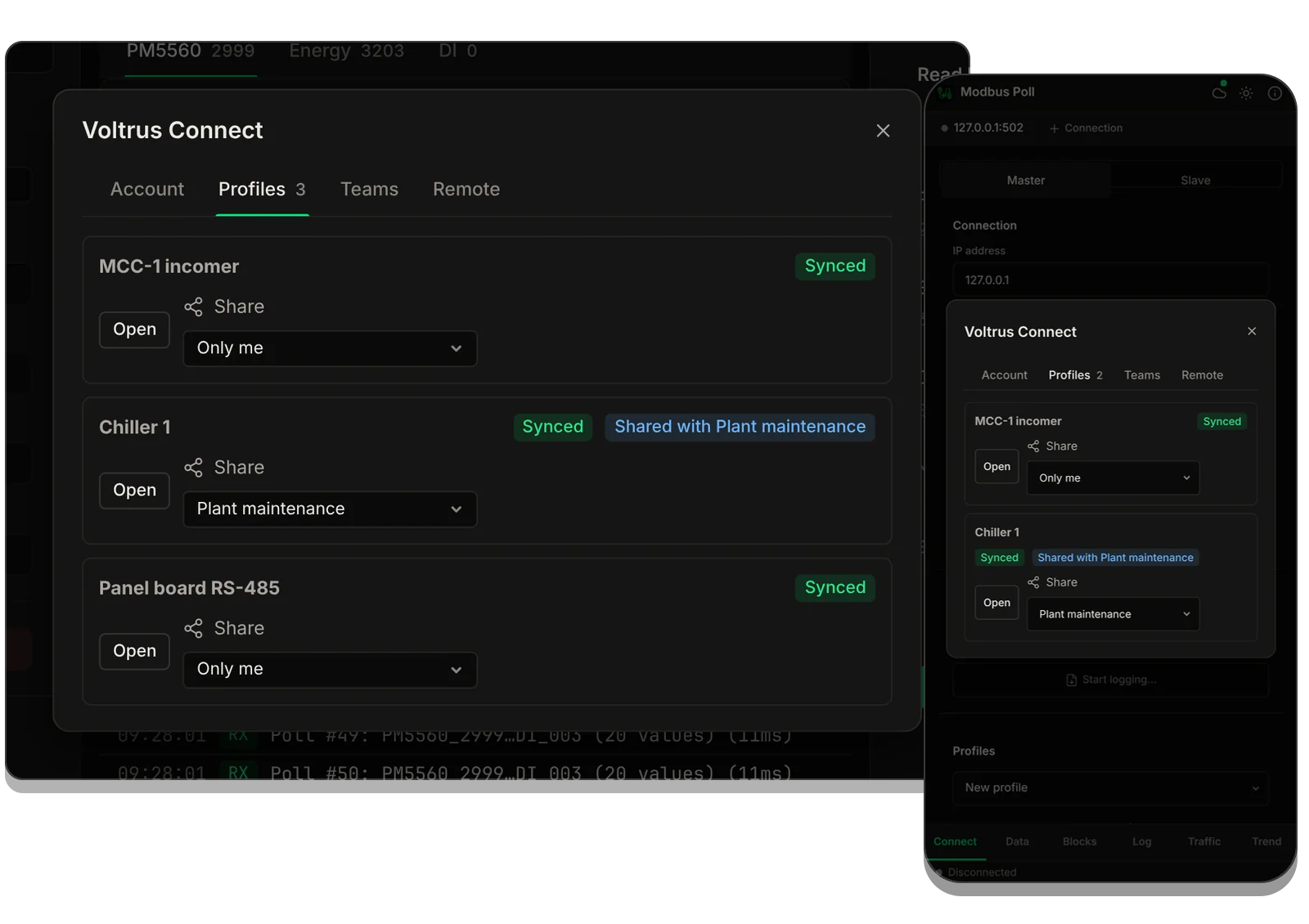
Save a connection profile once and have it on every Mac, iPhone and iPad you sign in on, with its register blocks. Share it with your team. Optional: Modbus Poll works fully without it. Available in Modbus Poll and BACnet Explorer first.
- Sign in with your Voltrus account in the app.
- Save a connection as a profile. It syncs in the background.
- It appears on your other devices and with your team.
Part of: Field tools · Debug one device from your laptop: protocol apps, terminal database browsers, utilities.
How MacTools Modbus Poll differs from…
-
Voltrus SCADA
This app is for commissioning and debugging one device from your laptop. Voltrus SCADA watches many devices around the clock, with dashboards, alarms and history on your own hardware.
-
Voltrus Gateway
Voltrus Gateway has no screens to click through: it is a self-hosted service that exposes Modbus, OPC UA, EtherNet/IP, S7, DNP3, BACnet/IP and MQTT to your own software over one gRPC API.
FAQ
Common questions
Licensing
Need classroom, laboratory, or organization-wide licensing?
Voltrus offers Team, Academic Lab, and Enterprise Site licenses: one invoice, multi-seat usage, offline native apps. Tiers and prices are on the licensing page.
See Academic & Enterprise OptionsBuy
Stop paying for Parallels.
Master and slave in one native app.
Stay Updated
Get notified about new features & device templates
We add new device templates, protocol features, and platform support regularly. No spam, only product updates.
Could not sign you up right now. Please try again, or email [email protected].
Modbus Field Notes
Read the field notes
Practical Modbus references: protocol fundamentals, register addressing, and function codes with exception codes.
From one device to the whole line
Monitoring this PLC 24/7?
Modbus Poll is built for commissioning and debugging. For round-the-clock monitoring use Voltrus OEE (hosted, live availability and downtime per machine) or Voltrus SCADA (dashboards, alarms and history on your own hardware).
Also from MacTools